
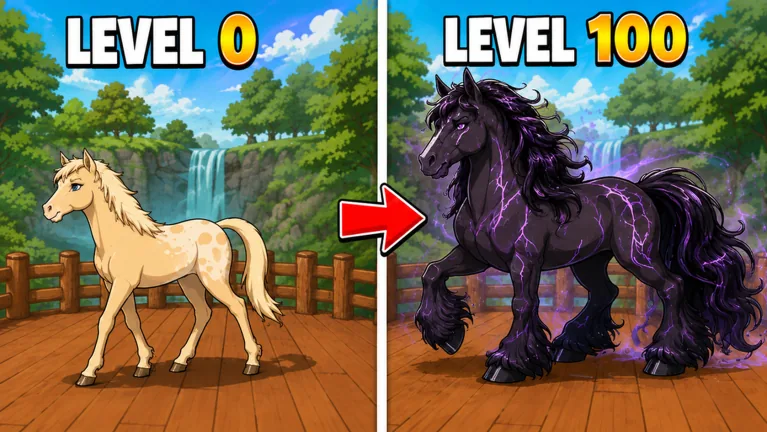
Check Equipped rather than stopping at Claimed
Look for the horse marked Equipped to confirm which horse is active. Claimed and Equipped are different states. Owning the horse does not, by itself, show that your active selection changed.
This 1 Horse Evolution equip horses guide helps you check that status. Read the selection instructions beside the horse, follow the current controls, and check the resulting label before returning to training. The status labels below do not establish an exact button sequence.
Read the three horse states separately
The September 2026 hub uses different labels for purchase availability, ownership and equipment.
| Label | Question it answers |
|---|---|
| Buy | Is this an offer I still need to purchase under its current conditions? |
| Claimed | Does the display mark this horse as owned? |
| Equipped | Does the display mark this horse as the active selection? |
Each label calls for a different check. With Buy, read the offer. With Claimed, check ownership and the selection controls. With Equipped, check whether this is the horse you intended to use.
If the labels have changed, read the live interface. Check what a control says before activating it. A status word alone does not tell you what pressing that control will do.
Inspect the result after buying or selecting
After buying a horse, inspect its ownership status and find the horse marked Equipped. Confirm both the purchase and the active selection; one does not confirm the other.
If the horse you wanted has another status, read the current selection instructions. Buying another offer will not answer the equipment question. Check the exact horse entry you meant to use, follow its live instructions and inspect the active label again.
For purchase comparisons, use the horse guide, which covers costs and step-gain labels. The Wins guide explains how to earn the trophy resource. Check equipment status separately from either decision.
Compare training with one change at a time
Once the intended horse is marked Equipped, check training progress with that setup. Note the lane, the horse’s step label and your account multiplier before comparing another horse.
Keep the lane and other settings unchanged for a short comparison. Read the same progress bar before and afterward. Changing the lane at the same time prevents you from isolating the effect of the horse selection.
Read progress and displayed Speed separately. Step gains can accumulate within a level while Speed stays unchanged, so that movement readout alone is not a complete test of your selection. The speed guide explains the counters.
Avoid turning ownership into a bonus formula
Having several horses marked Claimed does not show that every owned horse adds a stacking bonus. Read the current explanation of ownership effects before adding up labels across your collection.
Check horse status after Rebirth, too. The reset warning names Steps, Level and Speed, but does not establish a universal rule for horse ownership. Read the live warning and inspect your account’s horse states before treating a missing active selection as a lost purchase.
Keep appearance separate from status. A different-looking horse or a nearby premium advertisement cannot confirm ownership or equipment for you. Read the current labels.
FAQ
Does Claimed mean my horse is equipped?
The hub uses separate Claimed and Equipped labels. Find the horse marked Equipped to confirm the active selection; ownership alone does not confirm it.
What should I check after buying a horse?
Check its ownership state and the active horse’s equipment state. If the horse you meant to use is not marked Equipped, read the current selection instructions.
Why did my Speed not change after selecting a horse?
Read the horse’s stated benefit and the level progress bar alongside Speed. These are separate counters. An unchanged Speed number alone does not show that training progress stayed unchanged.
Does this guide give the exact current equip button sequence?
No. It explains the difference between the status labels. Read the selection instructions in the live horse display and confirm the resulting Equipped label before returning to training.