
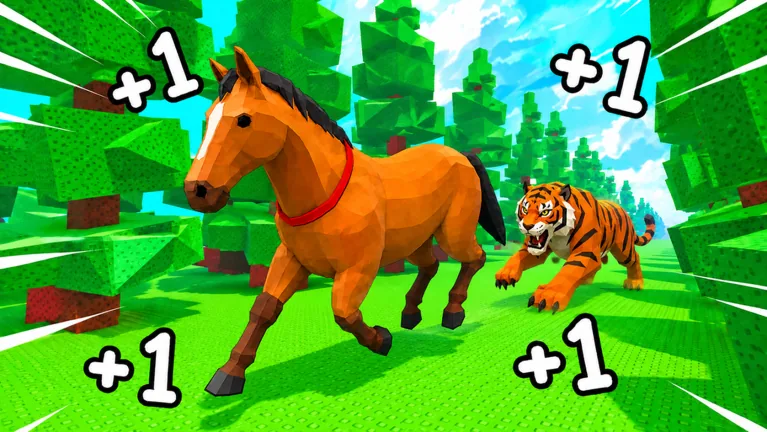
Read the Speed display separately from step gains
Check the account’s displayed Speed when you compare an obstacle requirement. Watch the progress bar when you want to know whether training is adding Steps. A gain popup and a movement-speed readout answer different questions, so a large popup does not mean your horse gained that much displayed Speed immediately.
The 1 Horse Evolution speed loop rewards movement, but the interface also tracks Level and progress within that level. Treat the counters separately before deciding that training has stopped working.
The counters can change at different moments
In a September 2026 training session, the same account showed these readings:
| Reading | Level | Speed | Level progress |
|---|---|---|---|
| Earlier | 41 | 90 | 9.2K/42.5K |
| Later | 41 | 90 | 18.9K/42.5K |
Progress increased while Level and Speed stayed the same. Use that distinction when checking your own training: an unchanged Speed number alone does not show that progress has stopped.
Those values describe one account, not a universal equation for converting Steps into Speed or a fixed amount of Speed per Level. Read your current bar and watch the next change before treating this example as a formula.
Check whether training is doing what you expect
Start by reading the Level progress bar before training. Keep your horse and lane the same for a short comparison, then read that bar again. If progress is increasing, you have a visible gain even if the Speed display has not moved yet.
When comparing a different lane, read its step label and access requirement first. When comparing a horse, read its step-gain label and equipment status. Changing the lane and the horse together makes it harder to tell which choice changed the result.
Read the account multiplier separately from the lane label. The multiplier guide explains how to compare those labels without assuming every number multiplies every other number.
If the progress bar also stays still, check the lane’s live requirements and whether your horse is running in the training area. Read any visible menu message before trying again. These checks help you read the counters; they cannot guarantee a fix for every connection or account problem.
Use Speed for a specific obstacle goal
Choose the course you want to attempt and read its current Speed requirement. Compare that requirement with the Speed readout, rather than a step popup or the total you have accumulated toward the next Level.
You still have to make the jumps after meeting the numerical requirement. Pick a landing area and control the approach. If repeated attempts fail at the same gap, inspect that approach before deciding that more Speed is the only answer.
For the first-course checks, read the Stage 1 guide. For progress toward a cap, use the Level guide instead of treating a higher progress total as a course requirement.
Recheck the display after Rebirth
The Rebirth preview names Steps, Level and Speed as reset values. If you have just used Rebirth, reread the account counters before attempting a course you previously approached at a higher Speed.
Compare the next multiplier and level-cap benefits in your own preview, then choose a training goal for the rebuild. The after Rebirth guide keeps that reset separate from claims about resources the warning does not name.
FAQ
Why does my 1 Horse Evolution speed stay the same while I train?
Check the Level progress bar. Progress can accumulate within a level while the separate Speed readout remains unchanged, as in the dated account example above. Read the progress bar as well as Speed before deciding whether training is working.
Is a step popup the amount of Speed I just gained?
Do not read it that way. Compare the popup with the separate Speed display and progress bar. The game has several counters, and the popup does not establish a universal movement-speed conversion.
Which number should I compare with an obstacle sign?
Compare displayed Speed with the course’s current Speed requirement. Read the live sign each time you choose a new target, then plan the jumps rather than assuming the number completes the obstacle for you.
Can Rebirth lower my displayed Speed?
The preview explicitly lists Speed among the reset values, together with Steps and Level. Read the reset warning and the next benefits before confirming, then use your new account state for subsequent course checks.